

Overview
Tracecat supports two MCP integration types:- Remote MCP over URL (
HTTPorSSE) - Local MCP over
stdio
Availability
Open source In open-source deployments, bring your own remote orstdio MCP server. Select the saved integration in the mcp_integrations input on ai.agent.
Enterprise Edition
Enterprise includes a catalog of 50+ preconfigured MCP servers with guided connection setup, including Splunk, SentinelOne Purple AI, CrowdStrike Falcon, Microsoft Sentinel, Elastic, Wiz, GreyNoise, and PagerDuty. You can also attach MCP integrations to reusable agent presets.
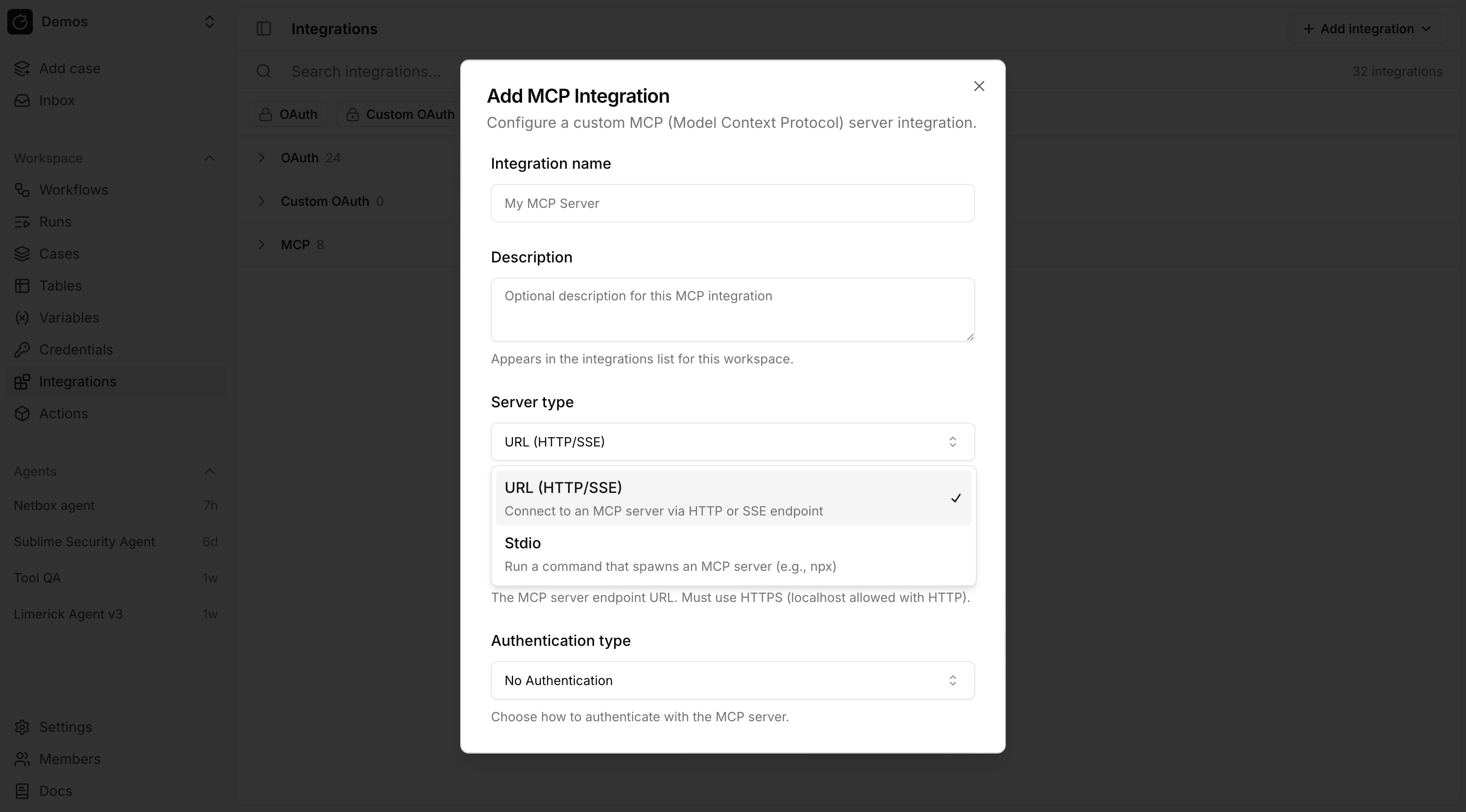
Remote MCP
Use remote MCP when the server is exposed over a URL. Authentication modes:- No Authentication
- Custom
- OAuth
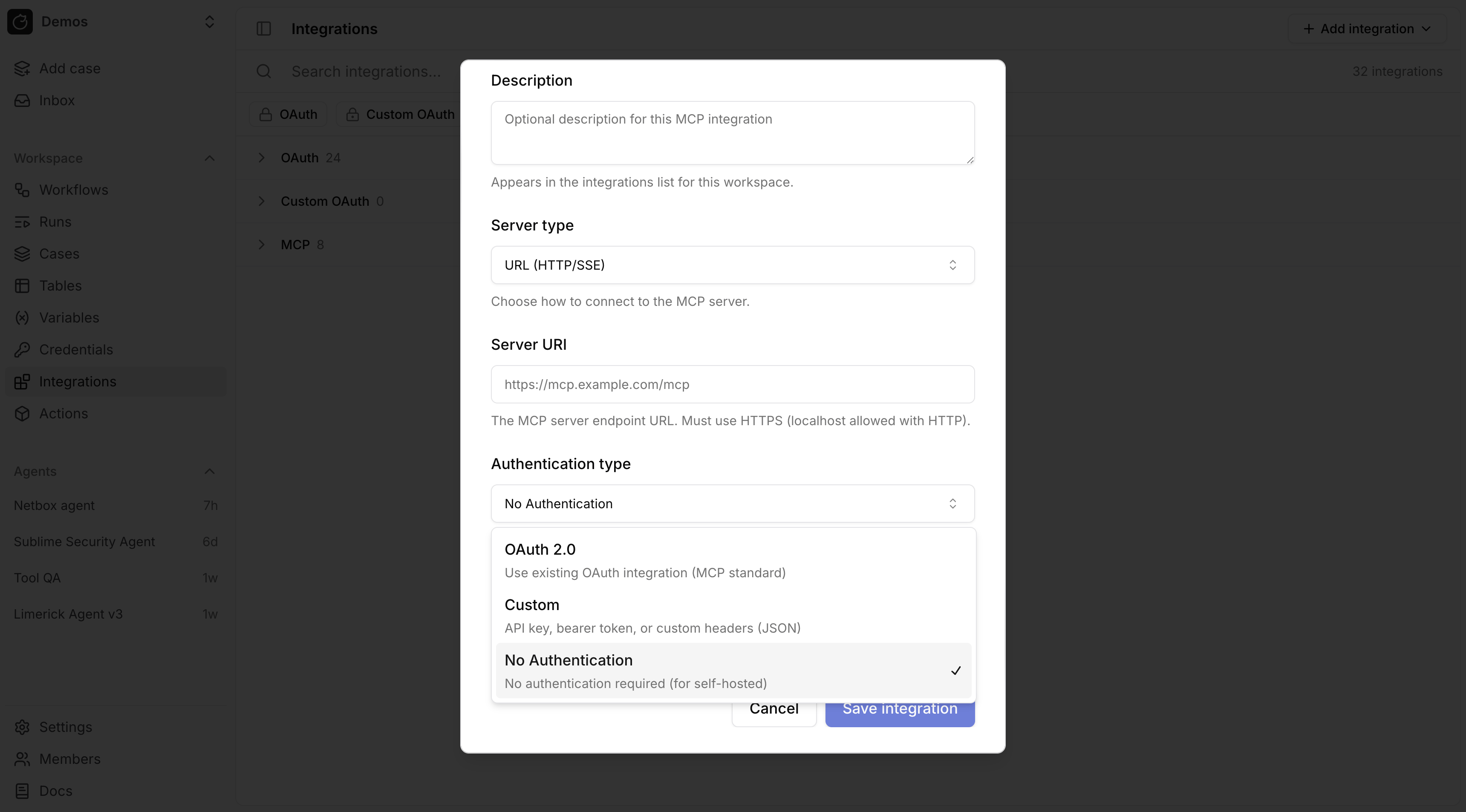
OAuth for remote MCP
For remote MCP with OAuth, link the MCP integration to an existing OAuth integration. Tracecat refreshes the token and sets theAuthorization header automatically.
For a custom remote MCP server, first create a custom OAuth provider in OAuth, then attach it to the MCP integration.
Custom headers for remote MCP
Custom authentication stores request headers as JSON. Header values support workspace secret and variable expressions.
Stdio MCP
Usestdio MCP when Tracecat should launch a local command such as npx, uvx, or a custom binary.
stdio environment variables support Tracecat expressions.
Secrets and variables in MCP configuration
Both remote andstdio MCP integrations support template strings.